
In the world of welding, protection is key. Whether you’re working on large or small projects, protecting your eyes and your health is essential. That’s where auto darkening filters for welding helmets come in. These filters not only provide effective protection against UV and IR radiation, but also offer a variety of features that improve safety and comfort while you work.
In this article, we explore the key features available in an auto darkening filter and how they can help you improve your welding experience and results.
Dark shade control (SHADE)
You can manually adjust the shade according to the welding intensity and the material being welded. For the correct shade, refer to the instruction manual supplied with each filter. Some models offer an AUTO function where the auto darkening filter itself selects the appropriate shade depending on the light intensity, also allowing the operator to optimise the setting for their light sensitivity.
Sensitivity adjustment (SENSITIVITY)
Allows you to adjust the sensitivity of the arc sensors to prevent flashes or the filter from darkening due to unwanted external factors. The higher the amperage, the lower the sensitivity required. For low amperage TIG operations, a higher filter sensitivity level (HIGH) is recommended. Some models offer an AUTO function where the auto darkening filter itself selects the appropriate sensitivity based on the ambient light conditions.
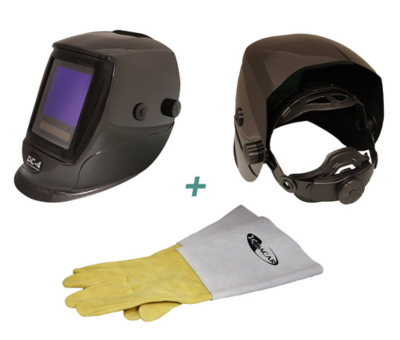
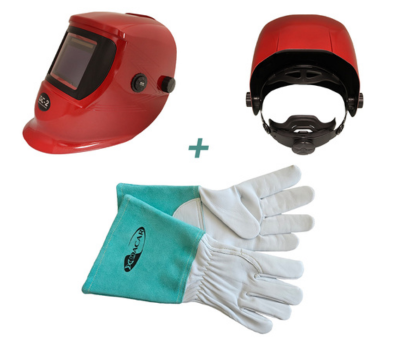
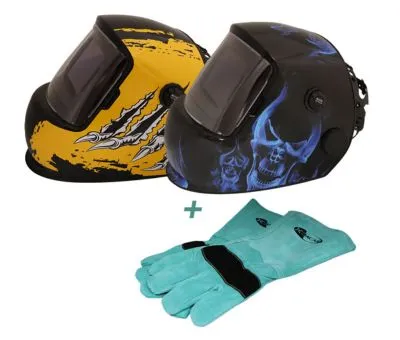
Do you like these features? Enjoy them at the best price.
Adjustment of the delay time before the light returns to its normal shade (DELAY)
You can manually adjust the time it takes for the dark shade to return to light after completing the spot or seam weld. In general, for low-intensity work or for tack welding, a very short lightening time is recommended so that you can immediately see where to make the next spot, while for high-intensity beads, a longer lightening time is recommended to avoid glare from the still incandescent weld pool. Some models offer an AUTO function where the auto darkening filter itself, depending on the duration of the dark shade and its level of darkness, will regulate the lightening time to avoid glare, allowing the operator to customise the setting to their liking.
TACK mode
Suitable for spot welding. The filter will maintain an intermediate shade between welding point and welding point to avoid sudden contrasts of light and improve darkening speed; the intermediate shade is not fixed. It will depend on the intensity of the welding. This feature reduces eye strain, minimising visual fatigue.
TRS mode
TRS mode is a function that allows the auto darkening filter to gradually return to the light shade, performing a reverse fade, to improve visual comfort, avoiding sudden changes in light to reduce eye strain and minimise visual fatigue. It also maintains a clear intermediate and low shade to prepare the ADF for faster arc detection. It is suitable for high-intensity welding work.
Permanent dark shade function
In this mode, the auto darkening filter will maintain the selected shade regardless of whether welding is taking place, just like a mineral welding lens. In this mode, the operator can adjust the shade to suit their needs.
Do you like AUTO functions?
Here are the models that incorporate this technology:
Do you like the TACK, TRS and/or permanent dark shade functions?
Here are the models that incorporate this technology:


